17. 구글 API OAuth - 프로젝트 프론트 설정 & 테스트
src/main/resources/templates - index.mustache 소셜 로그인 소스 추가
{{#userName}} 부터 {{/userName}} 까지 추가됨.
#userName = true면 ~
^userName = false면~
{{>layout/header}}
<h1>Starting With Spring Boot Web Service</h1>
<div class="col-md-12">
    <!-- 로그인 기능 영역 -->
    <div class="row">
        <div class="col-md-6">
            <a href="/posts/save" role="button" class="btn btn-primary">글 등록</a>

            {{#userName}}
                Logged in as: <span id="user">{{userName}}</span>
                <a href="/logout" class="btn btn-info active" role="button">Logout</a>
            {{/userName}}
            {{^userName}}
                <a href="/oauth2/authorization/google" class="btn btn-success active" role="button">Google Login</a>
            {{/userName}}

        </div>
    </div>
...
2
그럼 userName은 어디서 가져오는가? IndexController.java
AS-IS
    private final PostsService postsService;

	@GetMapping("/")
    public String index(Model model) {
        model.addAttribute("posts", postsService.findAllDesc());
        return "index"; // = [suffix] .mustache
    }
TO-BE
    private final PostsService postsService;
    private final HttpSession httpSession;

    @GetMapping("/")
    public String index(Model model) {
        model.addAttribute("posts", postsService.findAllDesc());
        SessionUser user = (SessionUser) httpSession.getAttribute("user");
        if (user != null) {
            model.addAttribute("userName", user.getName());
        }
        return "index"; // = [suffix] .mustache
    }
application 파일 열기. '현재 파일' 에서 ▷ Run 시작.
크롬 브라우저 주소창 localhost:8080 요청.
<오류 발생>
org.hibernate.tool.schema.spi.CommandAcceptanceException:
Error executing DDL "drop table if exists user" via JDBC Statement
src/main/java/com/jojoldu/springboot/domain/user/User.java
그냥 user는 사용하는 키워드라서 (아마 DB의 여러 '사용자' 그거에 쓰이나? 그럼 왜 여태껏 그냥 된거지..)
Table 명을 users로 명시함.
@Getter
@NoArgsConstructor
@Table(name = "users")
@Entity
public class User extends BaseTimeEntity {
</오류해결>

Google Login 버튼 누르면
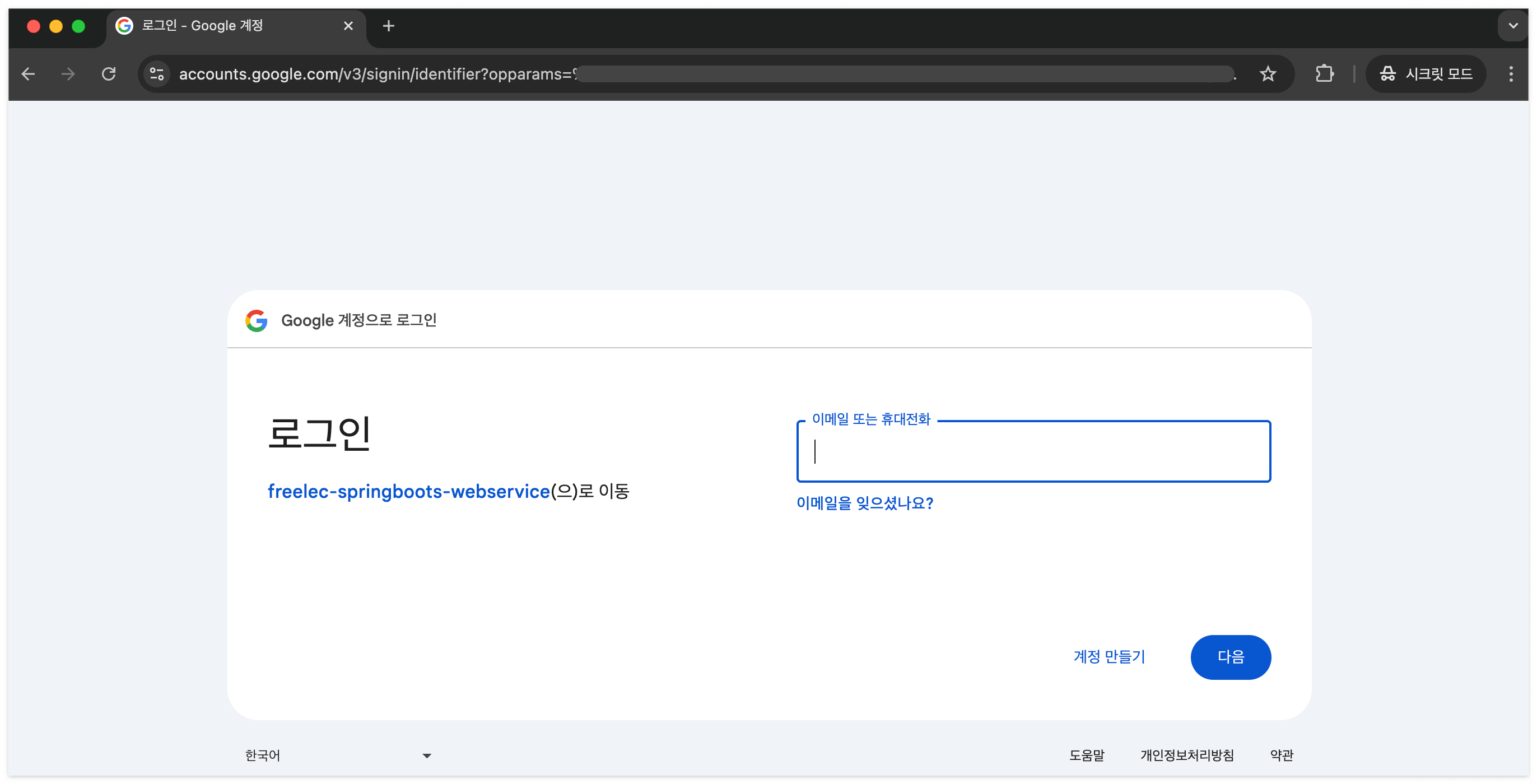
로그인하면
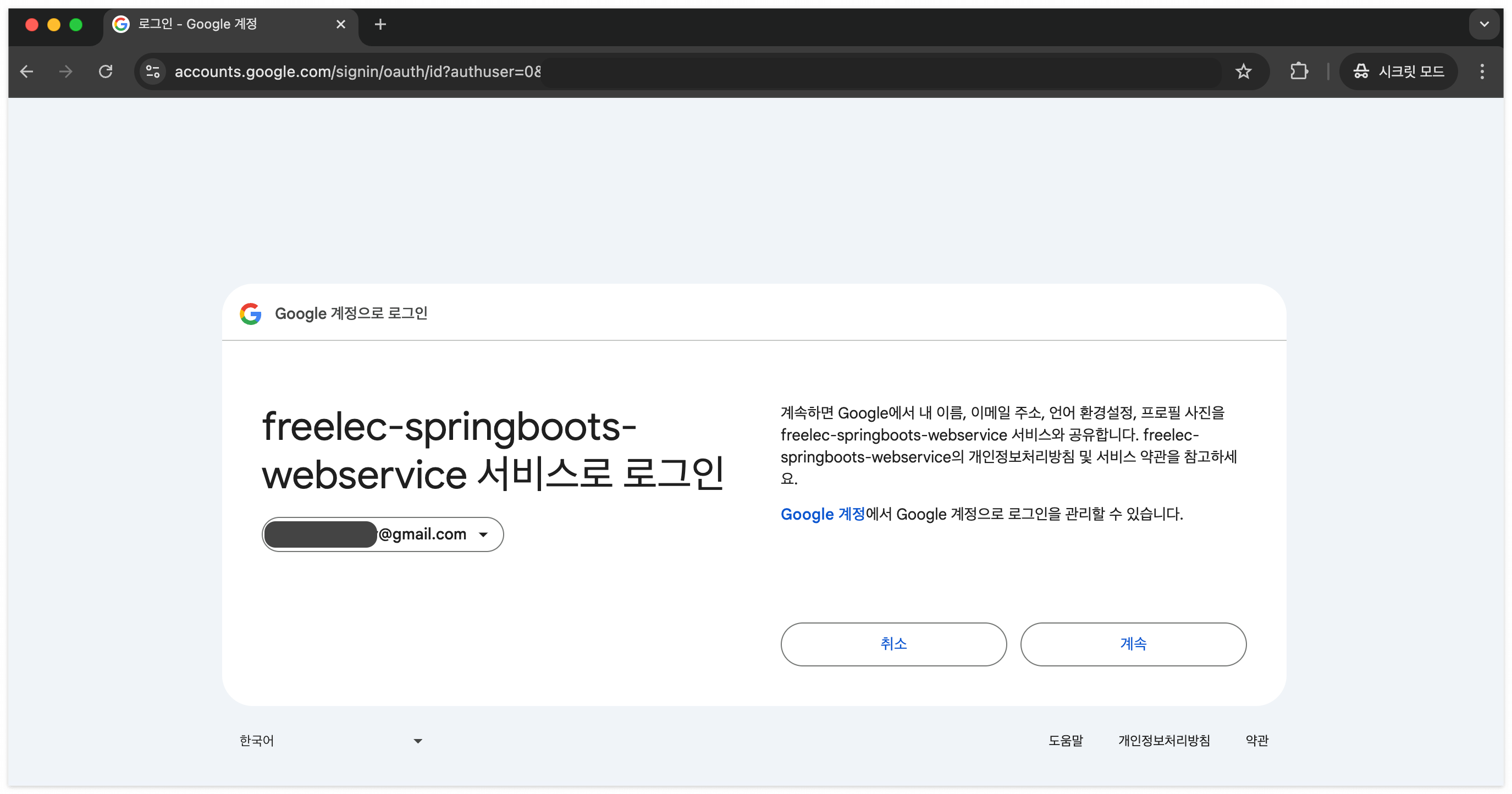
내 개인정보 제공에 동의 여부 '계속'
* <나의 오류>
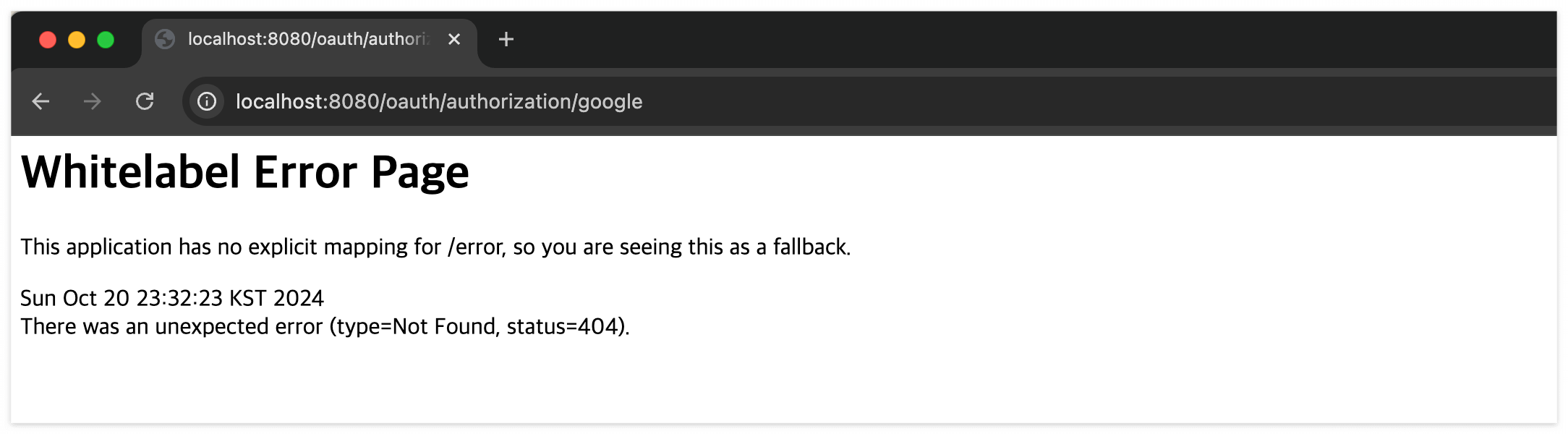
으엑; <a href="/oauth/authorization/google" 로 적어도 로그인까진 정상 동작되는데 redirect에서 오류가 나는거였다.
<a href="/oauth2/authorization/google" 2 붙여서 정상 동작 확인... 글쿤... 서적에 참고하라고 적어져있긴하다...
</나의 오류 해결>
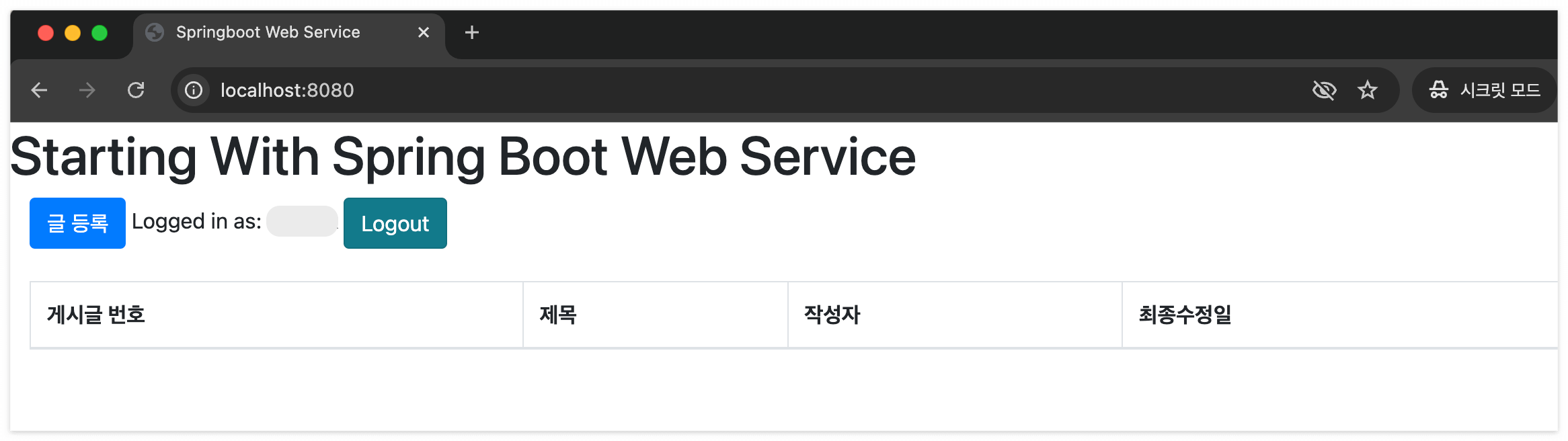
로그아웃 하고 다시 'Google Login' 하면 따로 묻지 않는 이유는 (서버 죽이면 안됨!)
맨처음 'Google Login' 하면서 h2 의 Users 테이블에도 저장했기 때문이다.
서버 Stop 하지 않은 채로!
주소창에 localhost:8080/h2-console 이동해서 Connect
select * from users;
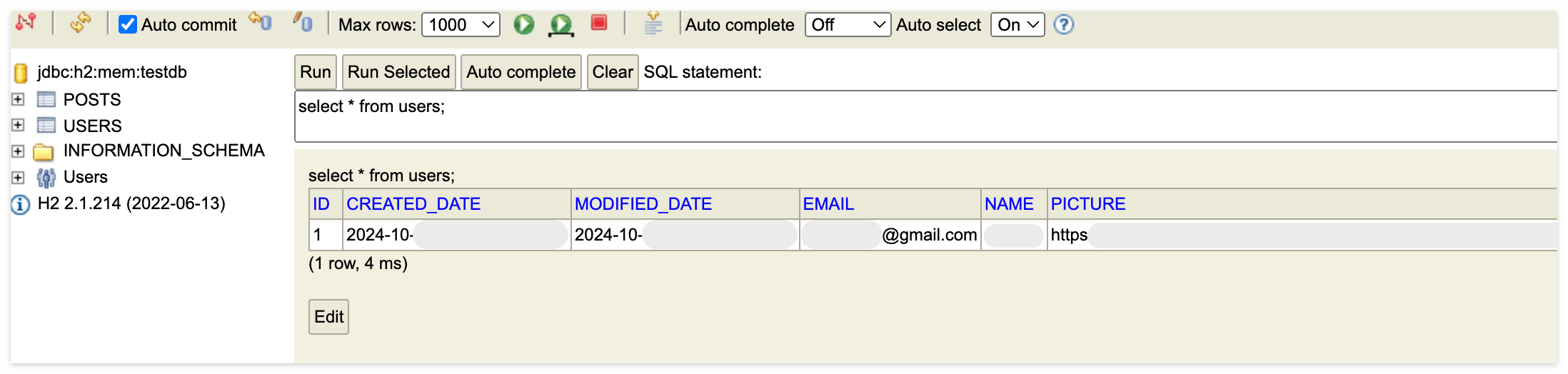
물론 서버를 Stop 하면 초기화되는 h2이기 때문에 재로그인해야할 것이다.
하지만 이렇게 Google Login API 성공!