05. 롬복 플러그인 설치 후 테스트
build.gradle
AS-IS
plugins {
    id ("org.springframework.boot") version ("2.7.1")
    id ("io.spring.dependency-management") version ("1.0.11.RELEASE")
    id("java")
}

group = "com.jojoldu.book"
version = "1.0-SNAPSHOT"

repositories {
    mavenCentral()
}

dependencies {
    implementation("org.springframework.boot:spring-boot-starter-web")
    implementation("junit:junit:4.13.1")
    testImplementation("org.springframework.boot:spring-boot-starter-test")
    testImplementation(platform("org.junit:junit-bom:5.10.0"))
    testImplementation("org.junit.jupiter:junit-jupiter")
}

tasks.test {
    useJUnitPlatform()
}
TO-BE
plugins {
    id ("org.springframework.boot") version ("2.7.1")
    id ("io.spring.dependency-management") version ("1.0.11.RELEASE")
    id("java")
}

group = "com.jojoldu.book"
version = "1.0-SNAPSHOT"

repositories {
    mavenCentral()
}

dependencies {
    implementation("org.springframework.boot:spring-boot-starter-web")
    implementation("junit:junit:4.13.1")
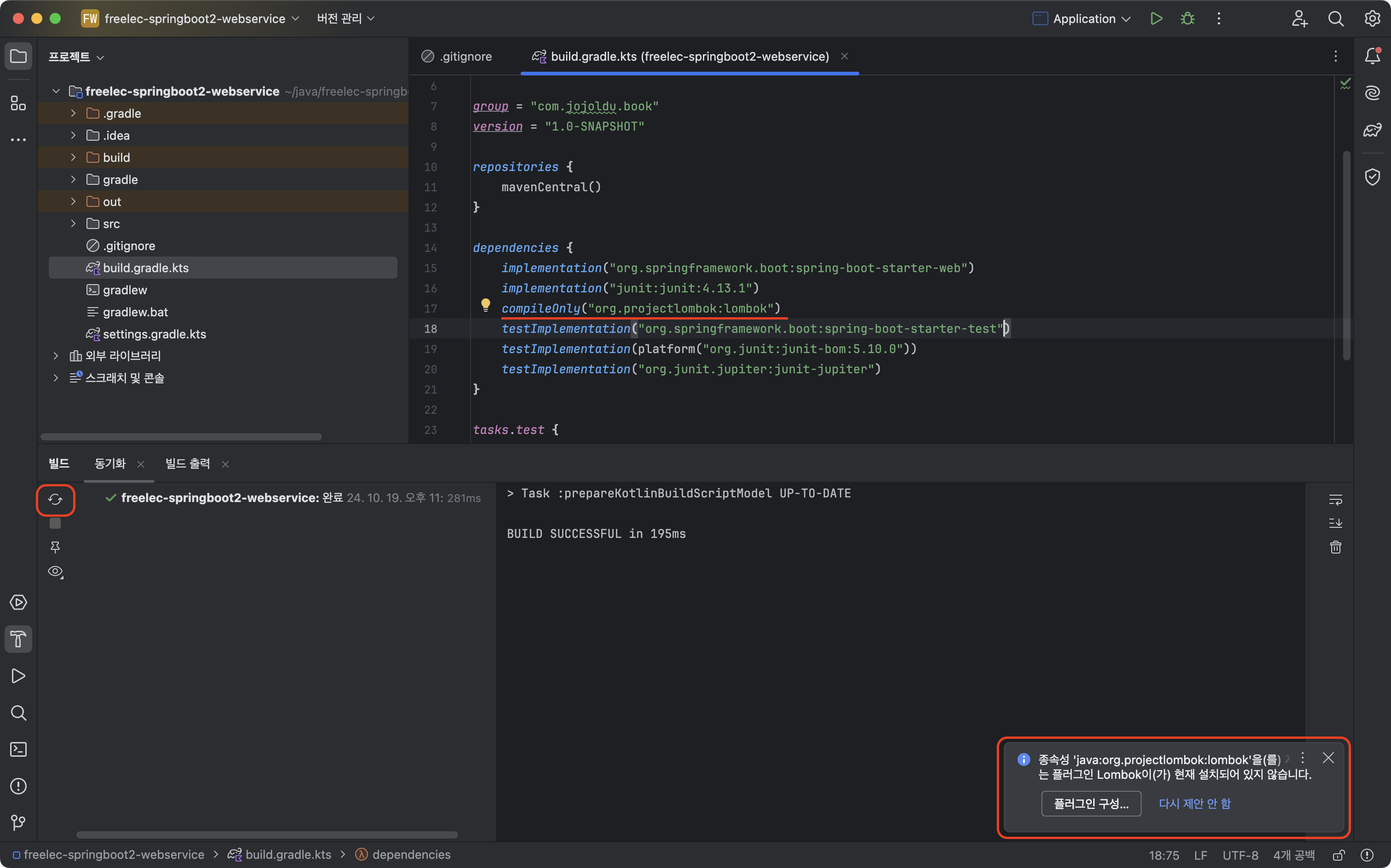
    compileOnly("org.projectlombok:lombok")
    testImplementation("org.springframework.boot:spring-boot-starter-test")
    testImplementation(platform("org.junit:junit-bom:5.10.0"))
    testImplementation("org.junit.jupiter:junit-jupiter")
}

tasks.test {
    useJUnitPlatform()
}
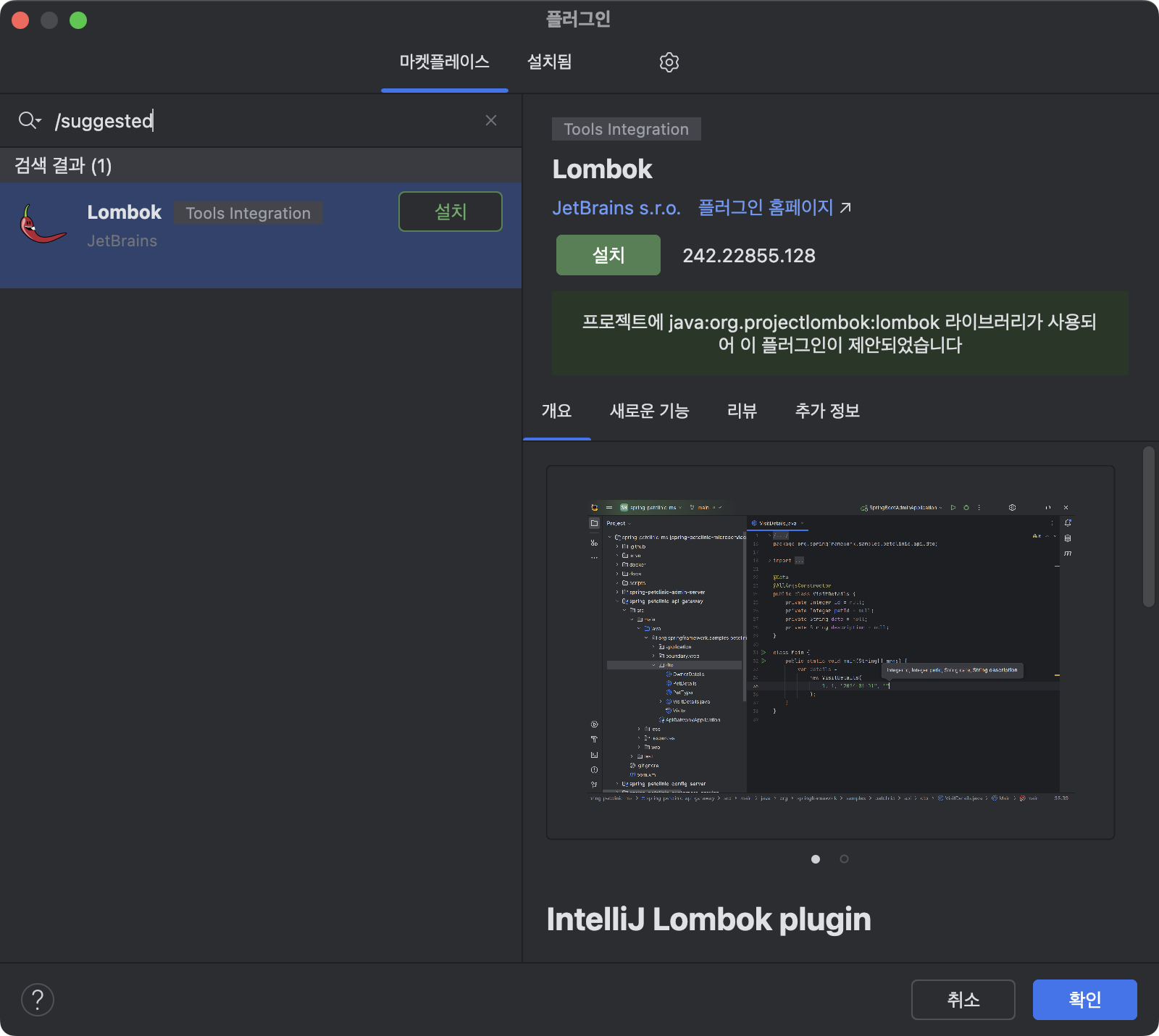
빌드하고 나면 우측 하단에 '플러그인 구성...' 설치 안내가 뜬다.
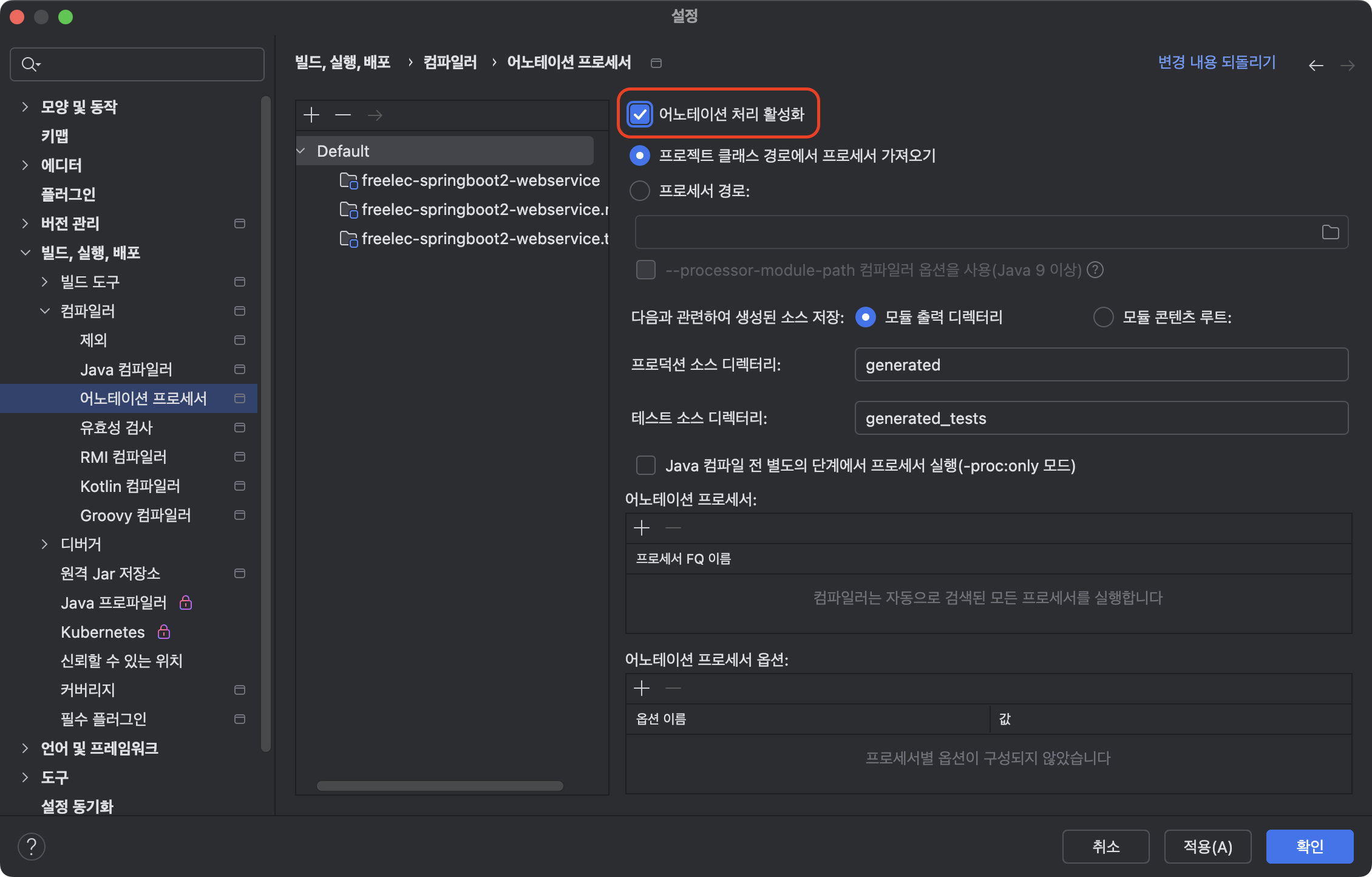
intellij - 시스템 설정 - 빌드,실행,배포 - 컴파일러 - 어노테이션 프로세서
어노테이션 처리 활성화 체크 - 적용, 확인
HelloController 코드를 롬복으로 전환하기
src.main.java.com.jojoldu.springboot.web.dto 경로 생성
src.main.java.com.jojoldu.springboot.web.dto/HelloResponseDto.java 생성
package com.jojoldu.springboot.web.dto;

import lombok.Getter;
import lombok.RequiredArgsConstructor;

@Getter
@RequiredArgsConstructor
public class HelloResponseDto {

    private final String name;
    private final int amount;

}
src.test.java.com.jojoldu.springboot.web.dto 경로 생성
src.test.java.com.jojoldu.springboot.web.dto/HelloResponseDtoTest.java 생성
package com.jojoldu.springboot.web.dto;

import org.junit.Test;
import static org.assertj.core.api.AssertionsForClassTypes.assertThat;

public class HelloResponseDtoTest {

    @Test
    public void lombokTest() {
        String name = "test";
        int amount = 1000;

        HelloResponseDto dto = new HelloResponseDto(name, amount);

        assertThat(dto.getName()).isEqualTo(name);
        assertThat(dto.getAmount()).isEqualTo(amount);
    }
}
test에서 lombokTest() 실행

test에서 성공했으니 main에서도 시도해본다.
src/main/java/com/jojoldu/springboot/web/HelloController.java
hello 함수 밑에
새로운 요청 주소 함수를 추가한다.
package com.jojoldu.springboot.web;
import com.jojoldu.springboot.web.dto.HelloResponseDto;
import org.springframework.web.bind.annotation.GetMapping;
import org.springframework.web.bind.annotation.RequestParam;
import org.springframework.web.bind.annotation.RestController;

@RestController
public class HelloController {

    @GetMapping("/hello")
    public String hello() {
        return "hello";
    }

    @GetMapping("/hello/dto")
    public HelloResponseDto helloDto(@RequestParam("name") String name, @RequestParam("amount") int amount) {
        return new HelloResponseDto(name, amount);
    }
}
src/test/java/com/jojoldu/springboot/web/HelloControllerTest.java
hello 함수 밑에
새로운 요청 주소 함수를 추가한다.
package com.jojoldu.springboot.web;
import org.junit.Test;
import org.junit.runner.RunWith;
import org.springframework.beans.factory.annotation.Autowired;
import org.springframework.boot.test.autoconfigure.web.servlet.WebMvcTest;
import org.springframework.test.context.junit4.SpringRunner;
import org.springframework.test.web.servlet.MockMvc;

import static org.springframework.test.web.servlet.request.MockMvcRequestBuilders.get;
import static org.springframework.test.web.servlet.result.MockMvcResultMatchers.content;
import static org.springframework.test.web.servlet.result.MockMvcResultMatchers.status;

import static org.hamcrest.Matchers.is;
import static org.springframework.test.web.servlet.result.MockMvcResultMatchers.jsonPath;

@RunWith(SpringRunner.class)
@WebMvcTest(controllers = HelloController.class)
public class HelloControllerTest {
    @Autowired
    private MockMvc mvc;

    @Test
    public void helloReturn() throws Exception {
        String hello = "hello";
        mvc.perform(get("/hello"))
                .andExpect(status().isOk())
                .andExpect(content().string(hello));
    }

    @Test
    public void helloDtoReturn() throws Exception {
        String name = "hello";
        int amount = 1000;

        mvc.perform(get("/hello/dto")
                    .param("name", name)
                    .param("amount", String.valueOf(amount)))
                .andExpect(status().isOk())
                .andExpect(jsonPath("$.name", is(name)))
                .andExpect(jsonPath("$.amount", is(amount)));

    }
}
test HelloControllerTest.java의 helloDtoReturn 함수를 테스트한다.

오류 발생 없이 성공했다.
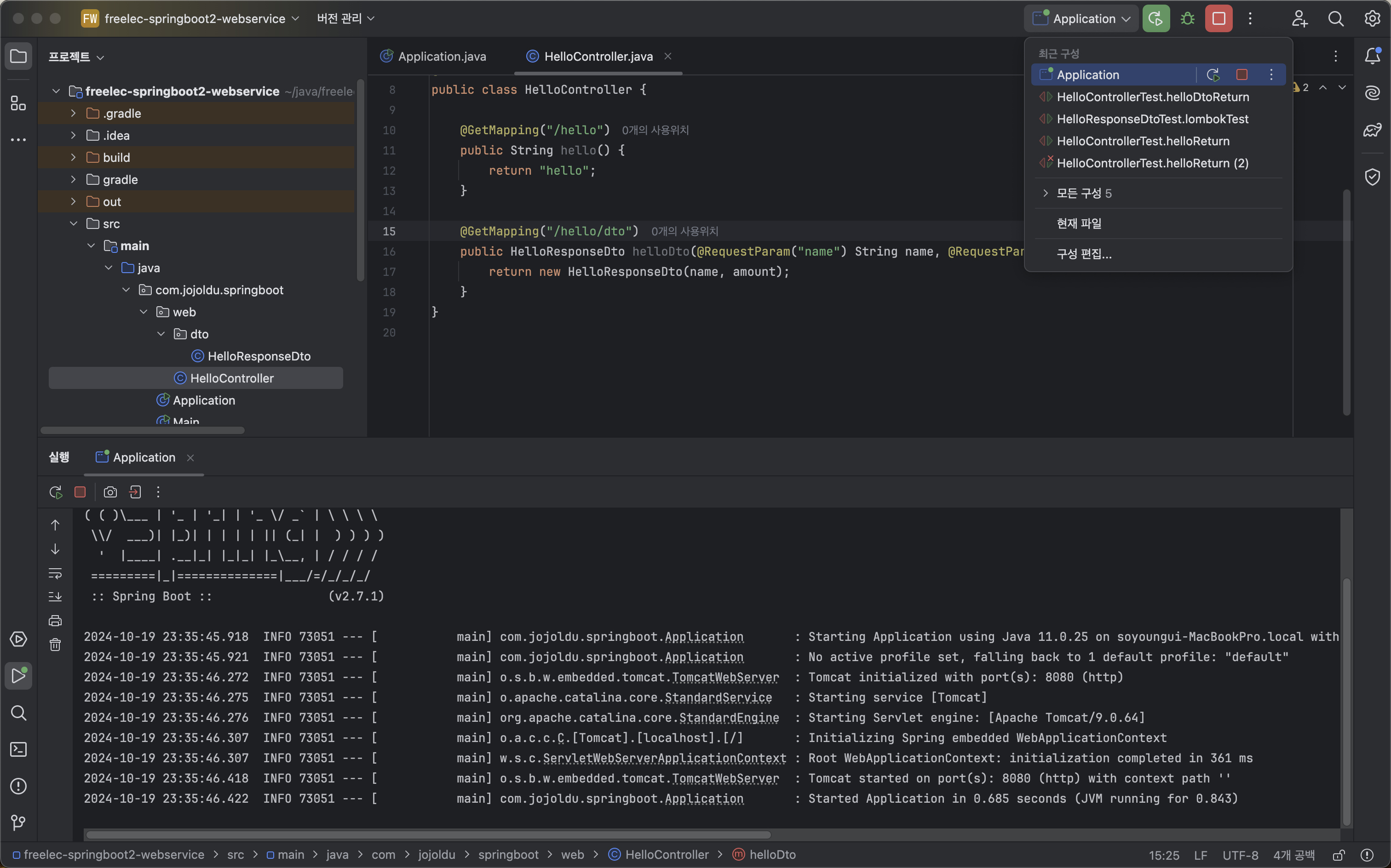
main HelloController.java의 helloResponseDto 함수를 실행하기 위해서,
Application.java로 구성을 바꾸고 서버를 Run 한다.
크롬 브라우저 주소창에 localhost:8080/hello/dto?name=lee&amount=10 을 입력한다.
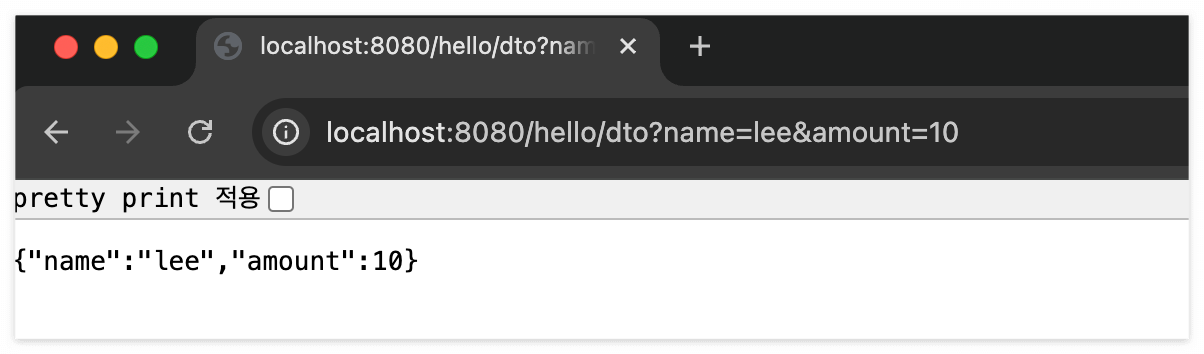
Postman에서
GET localhost:8080
Params에 key: name, amount / value : lee, 10 넣고 Send하면 그것 역시 정상 작동된다.