[Xcode] Alert Controller
* 알림을 띄우는 기능.
* js의 alert, confirm, prompt 정도와 비슷하게 대충 떠올리면 될 듯 싶어
VS Code에서 간단한 index.html 생성하여 대충 복기해봄.
document.addEventListener 해야하지만 귀찮아서 그냥 태그에 onClick 박기
<!DOCTYPE html>
<html lang="en">
<head>
    <meta charset="UTF-8">
    <meta name="viewport" content="width=device-width, initial-scale=1.0">
    <title>Document</title>
</head>
<body>
    <button id="a" onclick="btnA()">확인</button>
    <button id="b" onclick="btnB()" >제출</button>
    <button id="c" onclick="btnC()" >조건</button>

<script>
    // const a = document.querySelector("#a")
    // const b = document.querySelector("#b")
    // const c = document.querySelector("#c")

    function btnA() {
        alert("확인 버튼을 누르셨습니다.")
    }
    function btnB() {
        if(confirm("진행하시겠습니까?")) {
            console.log("진행을 선택하셨습니다.")
        }
    }
    function btnC() {
        let txt = prompt("내용을 입력해주세요.")
        console.log(txt);
    }
</script>
</body>
</html>
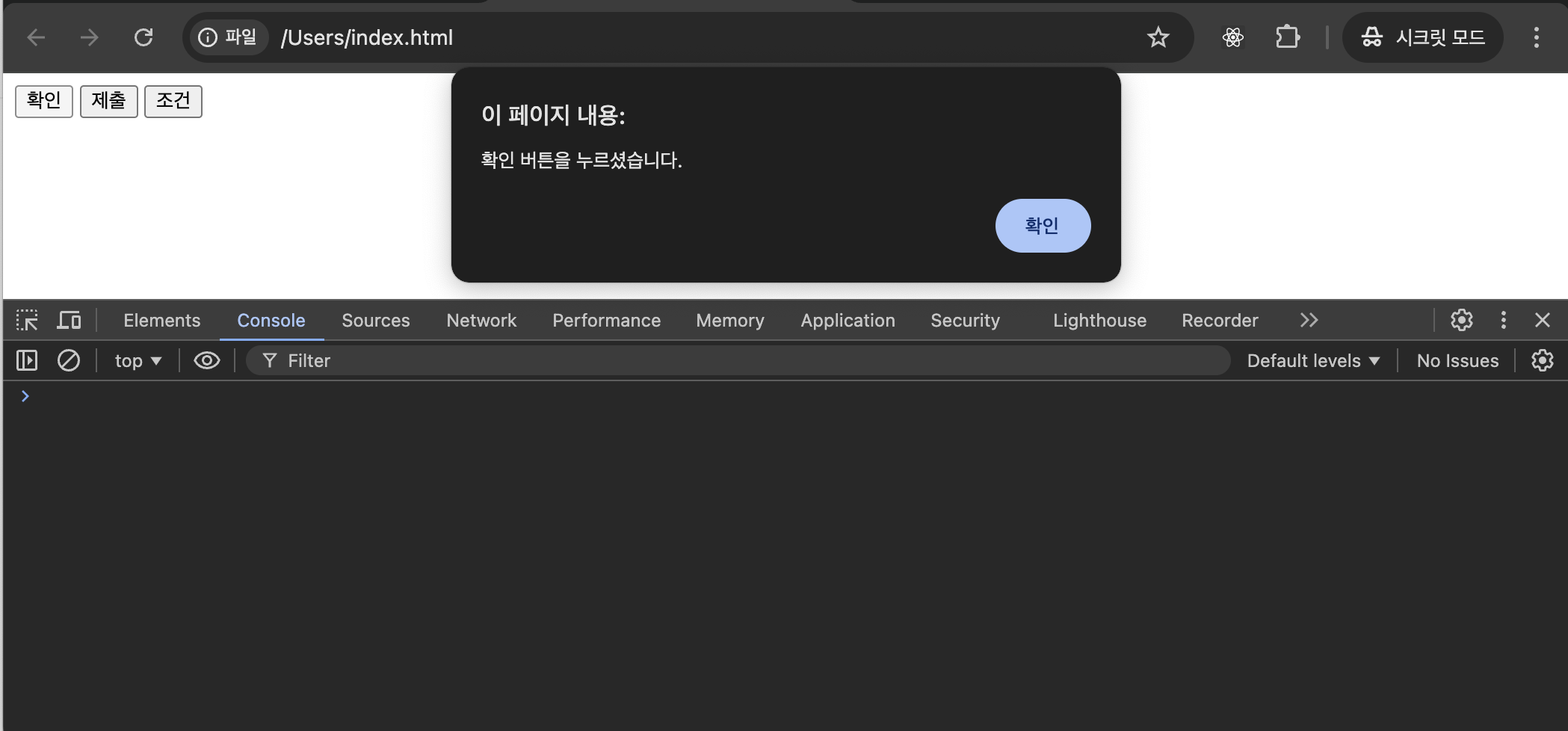
- 확인 버튼을 누르면 alert 가 있는 함수 호출
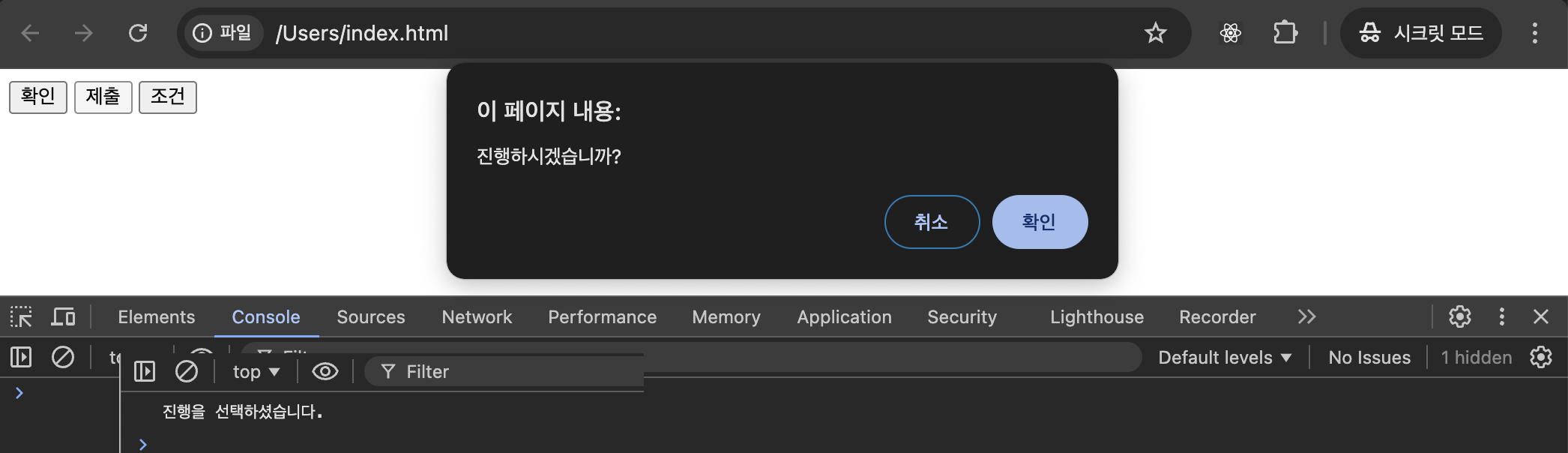
- 제출 버튼을 누르면 confirm 이 있는 함수 호출. 확인을 누르면 console.log 출력.
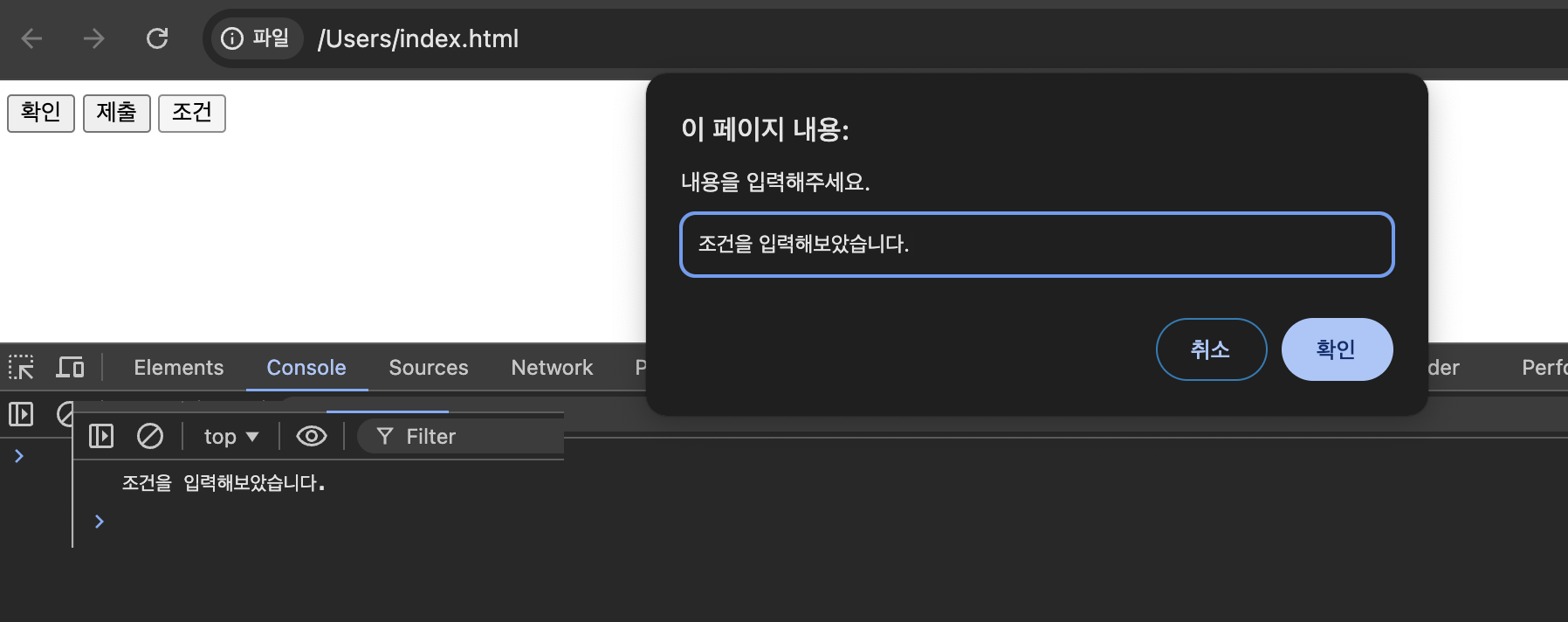
- 조건 버튼을 누르면 prompt 있는 함수 호출. 입력값이 리턴값이 되어서 console.log로 출력
* Main.storyboard \ Show Library : Filled Button 3개 추가 \ 각각 Title : '확인', '제출', '조건' 으로 변경.
≡ Adjust Editor Option \ Assistant \ ViewController.swift
★ Alert 작성 순서 ★
웹으로 보길 추천.
1. 버튼 우클릭 드래그 Outlet, Action Connection
2. UIAlertController 객체 세팅해서 생성.
ㄴ preferredStyle: .alert (가운데서 pop up) / .actionSheet (하단에 pop up)
3. UIAlertAction 객체 세팅해서 생성. (여러개 생성 가능)
ㄴ style: .default (js confirm의 true '확인')
.cancel (js confirm의 false '취소')
.destructive ( 후행 클로저 주면,,, style이 의미가 있는건감? action 순서에 영향? 아래 test )
ㄴ handler 인자에, 후행 클로저로 action 후 수행할 소스 작성 가능.
4. alert에 action 담기 (여러개 담기 가능)
ㄴ action을 add하지 않으면 alert만 띡 올라와서 내릴 방도가 없음
5. present로 실행
- action 1개고 handler 없을 때
@IBAction func infoAlert(_ sender: Any) {
    let alert = UIAlertController(title: "공지", message: "수업시간 졸음 금지", preferredStyle: .actionSheet)
    let action = UIAlertAction(title: "확인했습니다.", style: .default)
    alert.addAction(action)
    present(alert, animated: true) {
        print("infoAlert present")
    }
}
- action 2개고 handler 없을 때
@IBAction func infoAlert(_ sender: Any) {
    let alert = UIAlertController(title: "공지", message: "수업시간 졸음 금지", preferredStyle: .actionSheet)
    let action = UIAlertAction(title: "확인했습니다.", style: .default)
    let action2 = UIAlertAction(title: "졸 수도 있어요...", style: .default)
    alert.addAction(action)
    alert.addAction(action2)
    present(alert, animated: true) {
        print("infoAlert present")
    }
}
- action 2개고 default, cancel로 handler 후행 Closure 줬을 때
    @IBAction func confirmAction(_ sender: Any) {
        let alert = UIAlertController(title: "공지", message: "졸지 마세요!!!", preferredStyle: .alert)

        /** action을 누르고 아무 이벤트 안 일어남. */
//        let actionOk = UIAlertAction(title: "네. 확인했습니다.", style: .default)
//        let actionNo = UIAlertAction(title: "싫어요. 아프면 잘수도.", style: .cancel)


        /** handler 후행 Closure에, action을 누르면 수행할 소스 추가. */
        let actionOk = UIAlertAction(title: "네. 확인했습니다.", style: .default) { _ in
            print("Ok 버튼을 누름")
        }
        let actionNo = UIAlertAction(title: "싫어요. 아프면 잘수도.", style: .cancel) { _ in
            print("No 버튼을 누름")
        }

        alert.addAction(actionOk)
        alert.addAction(actionNo)

        present(alert, animated: true)

    }
- action 3개고 default, destructive, cancel로 handler 후행 Closure 줬을 때
@IBAction func selectAction(_ sender: Any) {
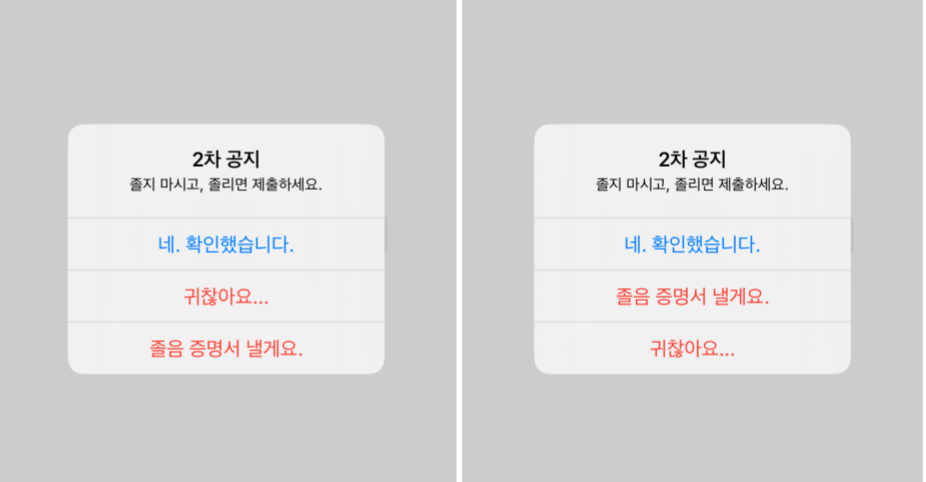
    let alert = UIAlertController(title: "2차 공지", message: "졸지 마시고, 졸리면 제출하세요.", preferredStyle: .alert)

    let actionOk = UIAlertAction(title: "네. 확인했습니다.", style: .default) { _ in
        print("Ok 버튼 누름")
    }

    let actionOption = UIAlertAction(title: "졸음 증명서 낼게요.", style: .destructive) { _ in
        print("많이 피곤하다함")
    }
    let actionNo = UIAlertAction(title: "귀찮아요...", style: .cancel) { _ in
        print("강경파")
    }

    alert.addAction(actionOk)
    alert.addAction(actionOption)
    alert.addAction(actionNo)

    present(alert, animated: true) {
        print("alert 버튼 수행완료")
    }
}
* action style와 action 담는 순서에 따라서, 보여주는 순서가 달라지는지 test
(1) default, destructive, cancel 순에 따라서 담는 순서도 동일.
(2) default, cancel, destructive 순에 따라서 담는 순서도 동일.
let actionOk = UIAlertAction(title: "네. 확인했습니다.", style: .default) { _ in
    print("Ok 버튼 누름")
}
let actionOption = UIAlertAction(title: "졸음 증명서 낼게요.", style: .destructive) { _ in
    print("많이 피곤하다함")
}
let actionNo = UIAlertAction(title: "귀찮아요...", style: .cancel) { _ in
    print("강경파")
}

alert.addAction(actionOk)
alert.addAction(actionOption)
alert.addAction(actionNo)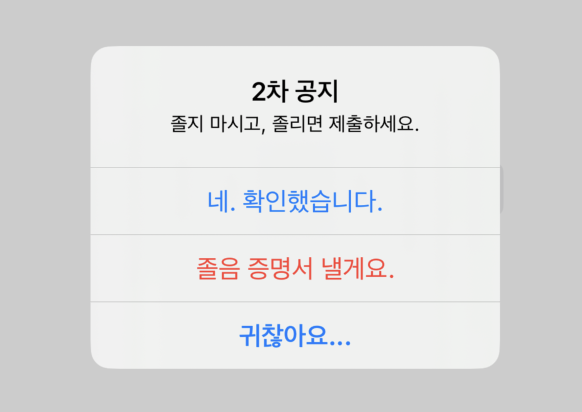
(3) default, destructive, destructive 로 바꾸고, 담는 순서도 바꿔보기.
destructive 빨강 폰트와 함께 순서 변경 가능...
(4) 전부 default로 주고, 순서 바꿔가면서 특정 action 누르면 [조건] btn.isEnabled = false 줘보고,
버튼 [확인]의 특정 action을 주면 버튼 [조건] 의 false를 true로 풀기도 해보고.
* 서체 색깔, action 순서 등에 차이가 있나봄... 흠....
까먹고 미래에서 왔을 나에게